
Business
Your Inbox Is Not a To-Do List.... Please Stop Treating It Like One. 😂

24 November 2026 | 3 min read
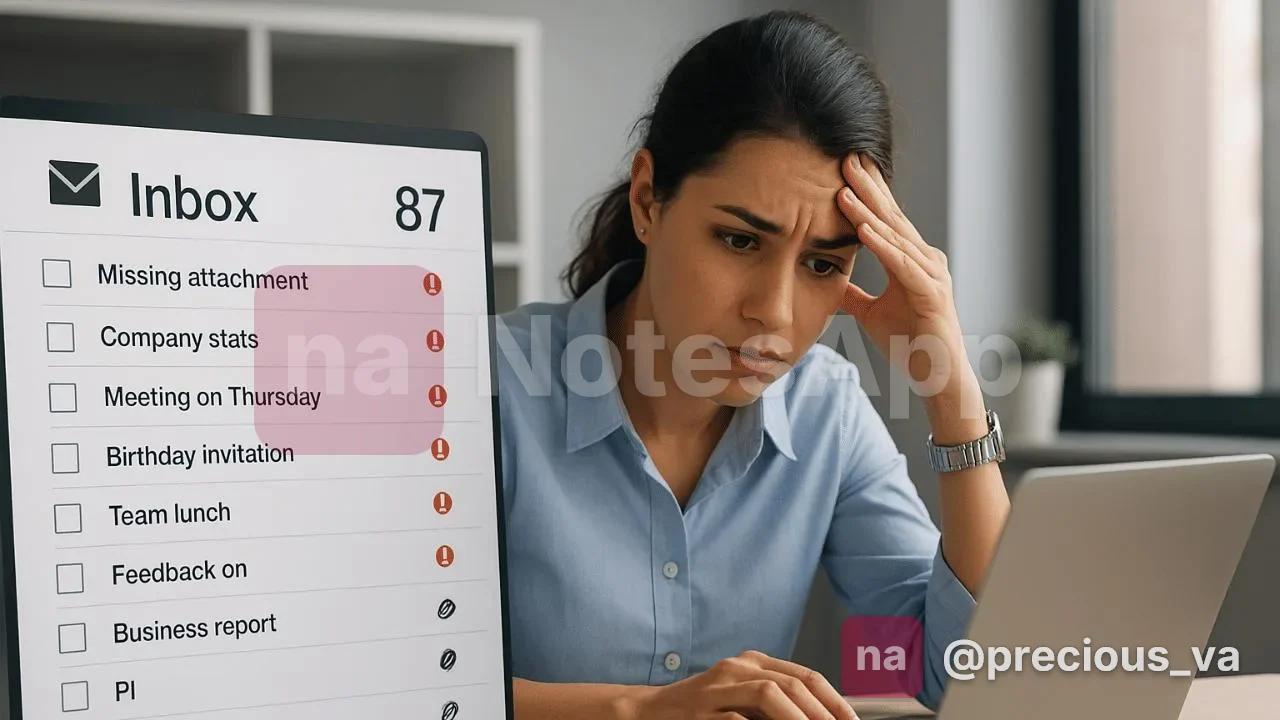
Some people open their email first thing in the morning and immediately start working through whatever appears at the top.
Reply to this. Open that. Read another. Flag something for later. Then open a message, realize it requires an actual task, and leave it sitting there.
Three hours later, they've answered 17 emails but haven't touched the report they were supposed to finish.
And somehow, the inbox still looks like a crime scene. 😭
Here's the problem: Your email inbox is a communication tool, not a task management system.
The two are related, but they're not the same thing.
Let's look at what happens when you treat them as one.
A client emails you requesting a revised proposal by Friday.
You read it, understand what's needed, and think, "I'll come back to this."
You leave it in your inbox.
A colleague sends a meeting invitation. You open it, check the details, and decide to respond later.
Another email comes in with an important document that needs reviewing.
You leave that one too.
Now you have three different responsibilities sitting among newsletters, notifications, meeting updates, and messages that don't require any action.
Your inbox is no longer helping you manage communication. It's becoming a storage space for unfinished decisions.
And the worst part? You have to keep reopening messages just to remember what you were supposed to do.
So, what's a better way to manage it?
You don't need to respond to every email immediately. You need a system that tells you what deserves your attention and what should happen next.
Here's a simple approach:
1. Separate messages that need action from messages that only need attention.
Not every email requires a task.
Some need a quick response. Others contain information you may need later. Some are simply notifications.
Learn to distinguish between them instead of treating every unread message as an unfinished assignment.
2. Turn actionable emails into actual tasks.
Remember that proposal due Friday?
Instead of leaving the email in your inbox and hoping you'll remember, create a task with a clear deadline.
You can put it in Asana, ClickUp, Trello, Notion, or even a simple task list.
The important thing is that the work has a proper place outside your inbox.
3. Give pending emails a follow-up system.
Some emails require a response from someone else before you can move forward.
Don't leave them buried in your inbox and assume you'll remember.
Use a follow-up label, a reminder, or a dedicated waiting-for list.
That way, you know which conversations are still outstanding.
4. Stop checking your inbox every five minutes.
Unless your role requires constant monitoring, schedule specific periods to process emails.
For example, you might check your inbox at the beginning of the workday, after lunch, and before wrapping up.
This gives you room to concentrate on actual work without constantly switching between tasks.
Of course, urgent communication should still have an agreed escalation channel.
5. End each email session knowing what happens next.
Every message you process should have a clear outcome:
- Responded to.
- Converted into a task.
- Scheduled for later.
- Delegated.
- Archived or deleted.
- Marked for follow-up.
Don't just read emails. Process them.
Here's what I want you to remember.
An inbox with zero unread messages doesn't automatically mean you're organized.
You can have an empty inbox and still have 15 unfinished tasks.
You can also have 30 unread emails and know exactly which ones require your attention.
The real goal isn't to make your inbox look pretty. It's to make sure important communication leads to the right action without taking over your entire workday.
Your inbox should help you stay informed, not become the place where all your responsibilities go to hide. 😂
Now, be honest: are you someone who keeps their inbox almost empty, or do you have 2,000 unread emails and believe in miracles? 😭
Book a session with Precious Chinahuzo
Native calendar, no redirect — payment collects inline.



Comments